
| Evostream Media Server QuickStart Guide for Linux |
|
1
Open a command console on the target machine. Or simply SSH login to the machine.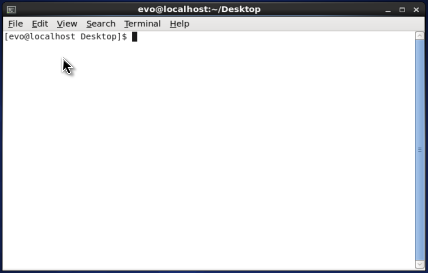
2
Install EvoStream Media Server2.1 Switch to root user or use the sudo utility if available.sudo su -or simply su -  2.2 Download script for adding the EvoStream Media Server repository.For Ubuntu or Debian:# wget http://apt.evostream.com/installkeys.sh -O /tmp/installkeys.shFor CentOS, Fedora or RHEL: # curl http://yum.evostream.com/installkeys.sh -o /tmp/installkeys.sh 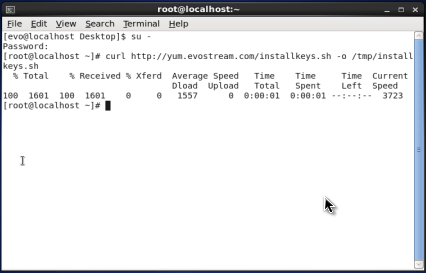 2.3 Execute the script.# sh /tmp/installkeys.sh  2.4 Install the packages.For Ubuntu or Debian:# apt-get install evostream-mediaserverFor CentOS, Fedora or RHEL: # yum install evostream-mediaserver 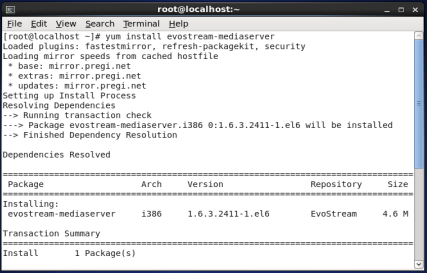 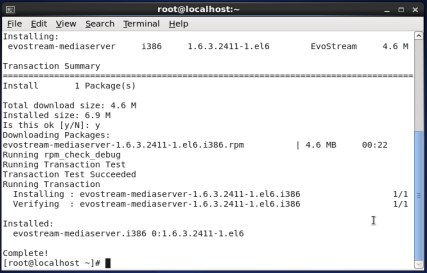 2.5 Copy the downloaded license file to '/etc/evostreamms/' folder.If you don't have any license file yet, you can get a demo license from here.# cp /path/to/License.licXXXX /etc/evostreamms/License.lic 
3
Start EvoStream Media Server# service evostreamms start 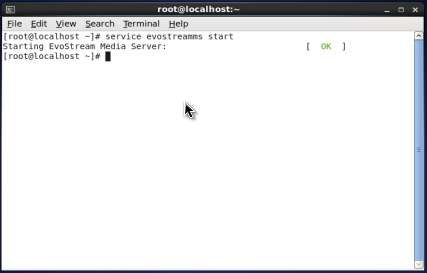
4
Connect to EvoStream Media Server using telnet (no need for root privilege)# telnet 127.0.0.1 1112 
5
Pull and play an external streamOn the telnet console, send the following command: pullstream uri=rtsp://<RTSP server IP>:<optional port>/<stream> localstreamname=<local stream name> For example, for an RTSP source at 192.168.2.106 and port of 5544 with a stream name of cameraStream: pullstream uri=rtsp://192.168.2.106:5544/cameraStream localstreamname=stream1 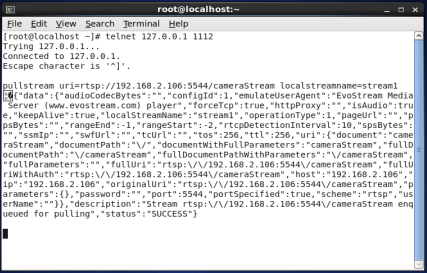 Using any video player (such as VLC), play the stream: rtsp://<EMS server IP>:5544/<local stream name> For example, for an EvoStream Media Server running at 192.168.2.45 and has a local stream name of stream1: rtsp://192.168.2.45:5544/stream1 
6
Record a local streamrecord localstreamname=stream1 pathtofile=/tmp/recorded type=flv 
7
Stop EvoStream Media ServerOn the telnet console, simply send the shutdownserver command. shutdownserver EvoStream Media Server will respond with the key parameter: z{"data":{"key":"ivRzAQM9OPdOT1qV"},"description":"Call shutdownserver again with the provided key","status":"SUCCESS"}
 Use the returned key to send the shutdownserver command again along with the key parameter: shutdownserver key=ivRzAQM9OPdOT1qV 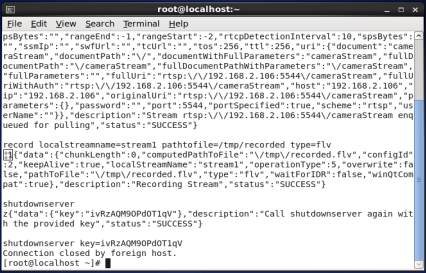 |

Quick Links
Products
Features | Specifications | Download a Trial
Buy a License
Product List
Support
FAQ | Linux Guide | Windows Guide | Forum
Company
About Us | Contact Us | Latest News | Search


